What Prompt Should You Use for a Baile Charme AI Video?
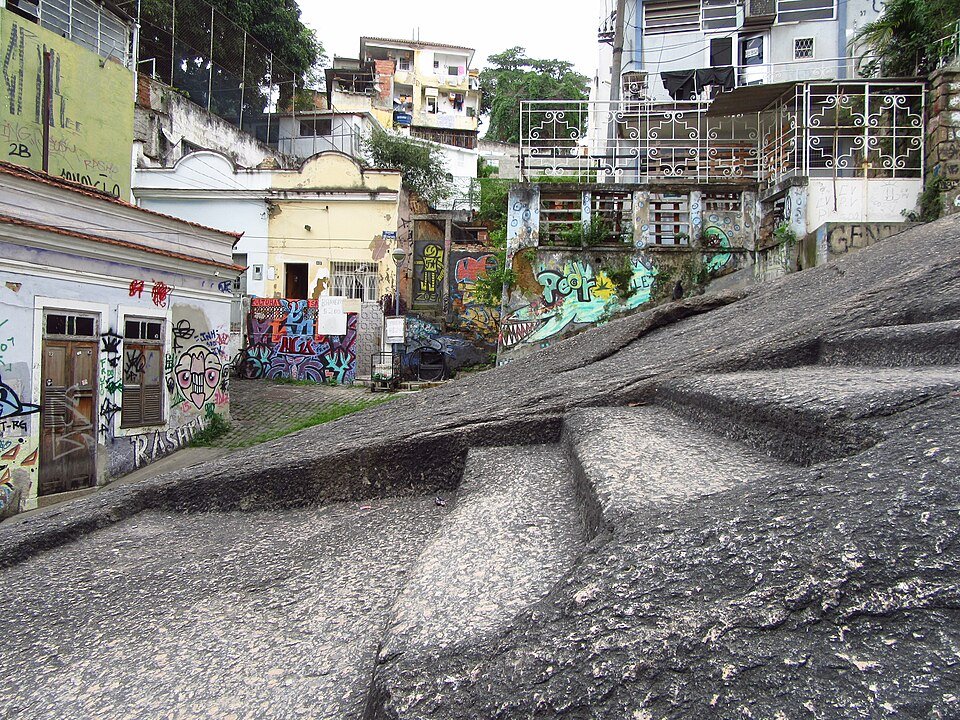
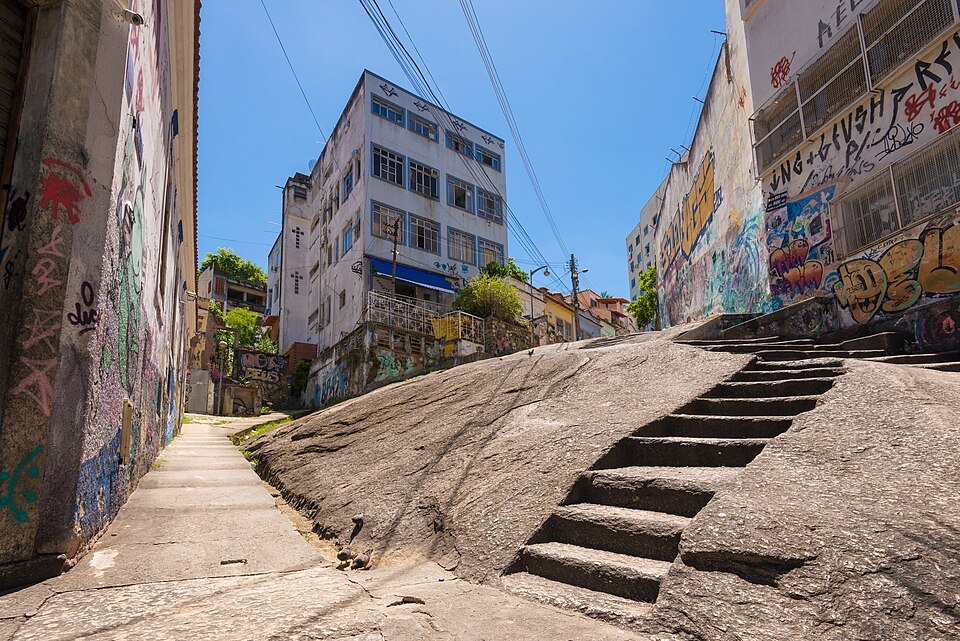
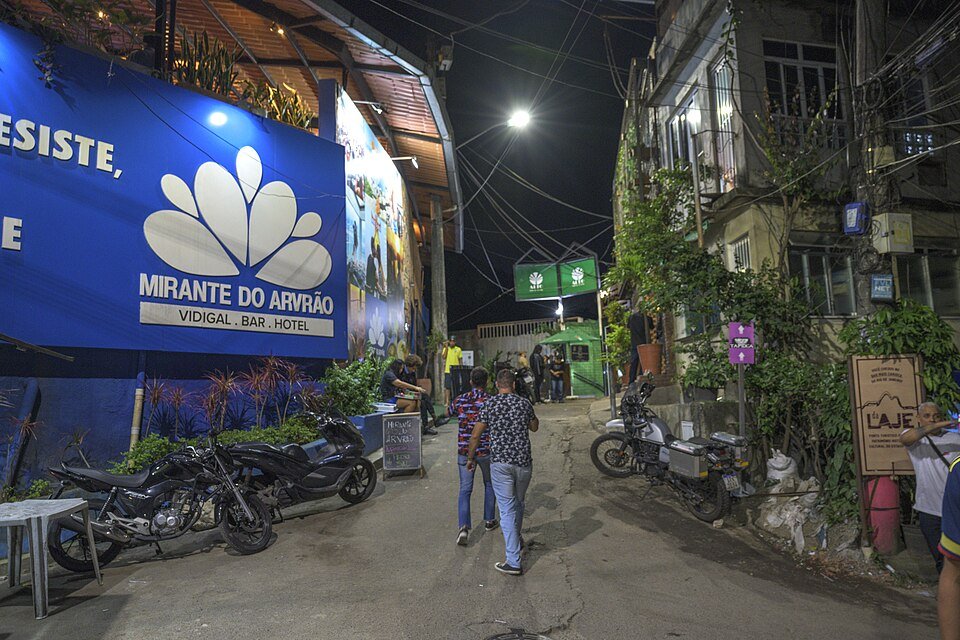
The most reliable starting point is a short, descriptive prompt that clearly states the subject, action, environment, and camera behavior—without asking for a specific real person or exact choreography. For Baile Charme AI, a practical first prompt is: "A fictional adult dancer in casual streetwear performs a relaxed side-step and arm-swing sequence in a Rio-inspired night square with warm string lights, filmed in a stable full-body vertical shot." That single sentence gives the model a clear subject, a general movement direction, a setting, and a camera instruction. It avoids identity claims and overloading the model with too many conflicting details. You can paste this into the optional prompt field when preparing a paid job—whether you use text-only or one consenting adult photo as input. The tool does not upload user video or audio, and default outputs are fictional 12-second vertical MP4s. This guide gives you three genuinely different starter prompts and explains how to adjust them without triggering common conflicts.
This guide uses the default 12-second workflow in its examples. You can also select a 4-second video for 10 credits; the default 12-second video costs 30 credits. Both use standard Seedance 2.0 at 720p, vertical 9:16, with silent MP4 delivery. Choose the duration before paying or generating.
Understand What the Tool Accepts Before Writing a Prompt
Baile Charme AI uses the Seedance 2.0 model. You can provide text only, or text plus one consenting adult JPG, PNG, or WebP photo up to 10 MB. No user video or audio uploads are allowed. The default output is a 12-second, 720p, vertical 9:16 silent MP4. Single costs $9.90 USD for 10 credits, enough for one 4-second video. Duo costs $19.90 USD for 30 credits, enough for one default 12-second video or three 4-second videos. Party costs $39.90 USD for 100 credits; monthly Pro costs the same $39.90 USD for 200 credits. Credits expire according to their source: monthly at the end of the monthly cycle, annual at the end of the annual cycle, one-time credits never expire. Earliest expiring credits are consumed first. A 15-second checkout preparation timer is not model generation; no paid model runs before credits are available. Because this is an independent tool, there is no affiliation with CapCut, TikTok, Instagram, dancers, or event organisers, and no promise of exact choreography, exact identity, output quality, fixed wait time, or a genuine filmed location. The tool is embedded below this guide, and the main action is to prepare a paid video with your chosen input.
Prompt 1: Fictional Adult at a Rio-Inspired Night Square
This prompt is for a text-only or photo-assisted generation where you want a lively but clearly fictional scene. It is original and does not recreate any viral video or named person.
Starter prompt: "A fictional adult in a loose linen shirt and dark trousers dances a casual baile charme step—weight shifting side to side, arms relaxed—in an open Rio-inspired night square with cobblestones, distant palm silhouettes, and warm string lights overhead. Camera is a stable full-body vertical shot at eye level, slight ambient crowd blur in the background, no close-up."
Why it works: It defines the subject as fictional and adult, gives a specific but not exact action, sets a recognizable environment without claiming a real location, and instructs the camera to stay full-body and stable. The phrase "casual baile charme step" is a style signal, not a choreography guarantee. The background blur helps avoid the model over-focusing on fake crowd faces.
Conflicts to avoid: Do not add "fast spins" and "steady camera" together—fast spins often cause limb blur and camera shake. Do not ask for "exact partner dance" without specifying spacing; the model may merge bodies. Avoid "real Rio square" because the output is fictional and the tool does not guarantee a genuine filmed location.
Adjustment tips: If limbs look tangled, reduce the action to "slow side-step and arm swing." If the face distorts, remove close-up language and keep the subject small in frame. If the background looks empty, add "soft ambient lights and distant silhouettes" rather than "crowd of people," which can introduce extra faces.
Prompt 2: Restrained Portrait-to-Dance Instruction
This prompt is for when you provide one consenting adult photo and want the model to animate a restrained dance movement while keeping the portrait recognizable but not identical. Text-only cannot reproduce a real identity without a photo, and even with a photo, exact identity is not promised.
Starter prompt: "Using the provided photo of a consenting adult, animate a restrained dance: a gentle shoulder sway, a small step to the right, and a relaxed arm lift, as if starting to dance in a quiet indoor room with soft side lighting and a plain wall. Keep the subject centered, upper-body visible, camera fixed and stable, no rapid spins, no face close-up, natural clothing movement."
Why it works: It explicitly says "restrained" and lists small movements, which reduces the chance of wild limb generation. It keeps the camera fixed and centered, which helps preserve the portrait's proportions. It asks for "natural clothing movement" rather than "flowing dress," which can cause the model to invent fabric physics. The environment is simple, so the model spends less effort on background details.
Conflicts to avoid: Do not combine "portrait" with "full-body shot"—they conflict. Do not ask for "exact likeness" or "same face" because the tool does not promise exact identity. Avoid "dramatic lighting change" during the dance; sudden lighting shifts can cause flicker or face distortion. Do not add "fast tempo" if you want restraint.
Adjustment tips: If the face distorts, reduce the action to "shoulder sway only" and keep the head relatively still. If the body looks stiff, add "relaxed weight shift" but avoid "big jump." If the background intrudes, specify "plain wall, no objects." Remember that an unsatisfactory successful output does not automatically qualify as a technical failure, so preview expectations should be modest.
Prompt 3: Camera-Stable Full-Body Shot
This prompt is for when camera stability is your priority—useful for dance-style clips where you want to see the whole body without shake or zoom changes.
Starter prompt: "A fictional adult dancer in plain athletic wear performs a simple baile charme-inspired groove—two side steps, a clap, and a slow turn—on a clean outdoor concrete plaza at dusk with soft even light. Camera is locked on a tripod at full-body distance, vertical 9:16 framing, no zoom, no pan, no handheld shake, subject stays centered, background is a plain wall and sky."
Why it works: It uses explicit camera language: "locked on a tripod," "no zoom," "no pan," "no handheld shake." That reduces the chance of the model inventing camera movement. The action is short and countable—two side steps, a clap, a slow turn—which is easier to render than a long improvised sequence. The plain background removes distractions that can pull the camera or cause depth errors.
Conflicts to avoid: Do not ask for "slow turn" and "full-body close-up" together. Do not say "follow the dancer" if you want a locked camera; follow-cam language often causes the frame to drift. Avoid "night club lighting" with a locked camera—strobing lights can confuse the model's frame-to-frame consistency. If you include a turn, keep it slow; fast turns often produce foot-sliding.
Adjustment tips: If the dancer drifts off-center, add "subject remains centered in frame." If the legs look unstable, simplify to "side steps only." If the output feels too static, add "subtle weight shift" rather than "camera movement." The result is still a 12-second silent clip, so plan your edit around that length.
Compare the Three Prompts: Action, Subject, Environment, Camera
The table below summarizes how each starter prompt distributes detail. Use it as a checklist before you paste a prompt into the tool.
| Prompt | Action | Subject | Environment | Camera | Main conflict to watch |
|---|---|---|---|---|---|
| 1. Rio-inspired night square | Casual side-step and arm swing | Fictional adult in casual clothing | Night square with string lights | Stable full-body vertical | Fast spins vs. steady camera |
| 2. Restrained portrait-to-dance | Gentle sway, small step, arm lift | Consenting adult from provided photo | Quiet indoor room, plain wall | Fixed, centered, upper-body | Portrait vs. full-body framing |
| 3. Camera-stable full-body | Two side steps, clap, slow turn | Fictional adult in athletic wear | Outdoor concrete plaza at dusk | Locked tripod, no zoom/pan | Follow-cam language vs. locked frame |
A useful rule: if two instructions fight—like "fast spin" and "no motion blur," or "close-up face" and "full-body dance"—the model will compromise, often in ways you do not want. Delete one side of the conflict rather than adding more adjectives.
How to Prepare and Run a Paid Job
- Decide whether you will use text only or text plus one consenting adult photo. If you use a photo, confirm you have consent and that the file is JPG, PNG, or WebP under 10 MB. No video or audio uploads are accepted.
- Write a prompt using one of the three starters above. Keep it to a few sentences. State the subject, action, environment, and camera in that order.
- Check your credit balance. Single costs $9.90 USD for 10 credits, enough for one 4-second video. Duo costs $19.90 USD for 30 credits, enough for one default 12-second video or three 4-second videos. Party costs $39.90 USD for 100 credits; monthly Pro costs the same $39.90 USD for 200 credits. Credits expire based on source—monthly at cycle end, annual at annual cycle end, one-time never.
- Complete checkout through Stripe via pay.yito.ai. The 15-second preparation timer is not model generation; no paid model runs before credits are available.
- Submit the job. Real task states include queued, generating, done, and failed. Failure returns credits to the original source. An unsatisfactory successful output does not automatically qualify as a technical failure.
- Download the entitled completed job. There is no separate download or unlock fee.
Private by default. Email OTP only—no password or Google sign-in. Support is at contact@bailecharmeai.pro. For pricing details, see Pricing. For privacy and consent, see Privacy Policy and the guide baile-charme-ai-privacy-consent.
Common Limitations and Honest Expectations
Baile Charme AI does not promise exact choreography, exact identity, output quality, fixed wait time, or a genuine filmed location. Generated videos are fictional. Text-only cannot reproduce a real identity without a photo, and even with a photo, the model may alter facial features. Public stock images and videos are editorial inspiration, not outputs or before/after proof. There are no free credits, signup rewards, referral rewards, or free personal previews. Annual Studio is paused. Never assume a cash refund is automatic. If a job fails technically, credits return to the source; if a job succeeds but you dislike the creative result, that is not automatically a technical failure. Plan for iteration within your credit budget, and keep each prompt focused rather than overloaded.
FAQs
Can I use a text-only prompt without a photo? Yes. The Seedance 2.0 model accepts text only or text plus one consenting adult photo. Text-only cannot reproduce a real identity, so describe a fictional adult.
How many credits does one video cost? Single costs $9.90 USD for 10 credits, enough for one 4-second video. Duo costs $19.90 USD for 30 credits, enough for one default 12-second video or three 4-second videos. Party costs $39.90 USD for 100 credits; monthly Pro costs the same $39.90 USD for 200 credits.
What happens if a generation fails? Failed jobs return credits to the original source. A successful output you find unsatisfactory does not automatically qualify as a technical failure. Support can be reached at contact@bailecharmeai.pro.
Can I upload a video or audio file? No. The tool accepts text or one consenting adult JPG/PNG/WebP photo up to 10 MB. No user video or audio uploads. Default output is a 12-second 720p vertical 9:16 silent MP4.
Next Step
Pick one starter prompt, adjust one variable at a time, and prepare a paid video with your chosen input using the tool below. Start with the camera-stable full-body prompt if you want predictable framing, or the restrained portrait-to-dance prompt if you are supplying a consenting adult photo. For more context, read what-is-baile-charme-ai and how-to-make-baile-charme-ai-dance, then return here to refine your prompt. When you are ready, use #guide-tool to prepare your job.
Try the tool from this guide
Prepare your photo or prompt here. Generation uses purchased credits; the cost appears before you submit.
Make your Baile Charme AI dance video
Choose a clear photo of one consenting adult. We build a fictional Rio night-party scene around their appearance.
JPG, PNG or WebP · up to 10 MB
Choose a well-lit photo of one consenting adult. JPG, PNG or WebP; up to 10 MB.
Extra direction (optional)
Only your signed-in account can view and download private results.
30 credits · 12 seconds
720p · 9:16You have 0 of 30 credits. Add at least 30 credits to make this video.
No free generation. See the exact credit cost before starting. Failed jobs return the credits they used.
Your videos
Upload a photo or describe a scene, then create your video.
Baile Charme AI
Baile Charme AI editorial team · Source and publishing references